Google Forms on iPhone
Create Forms
in Seconds
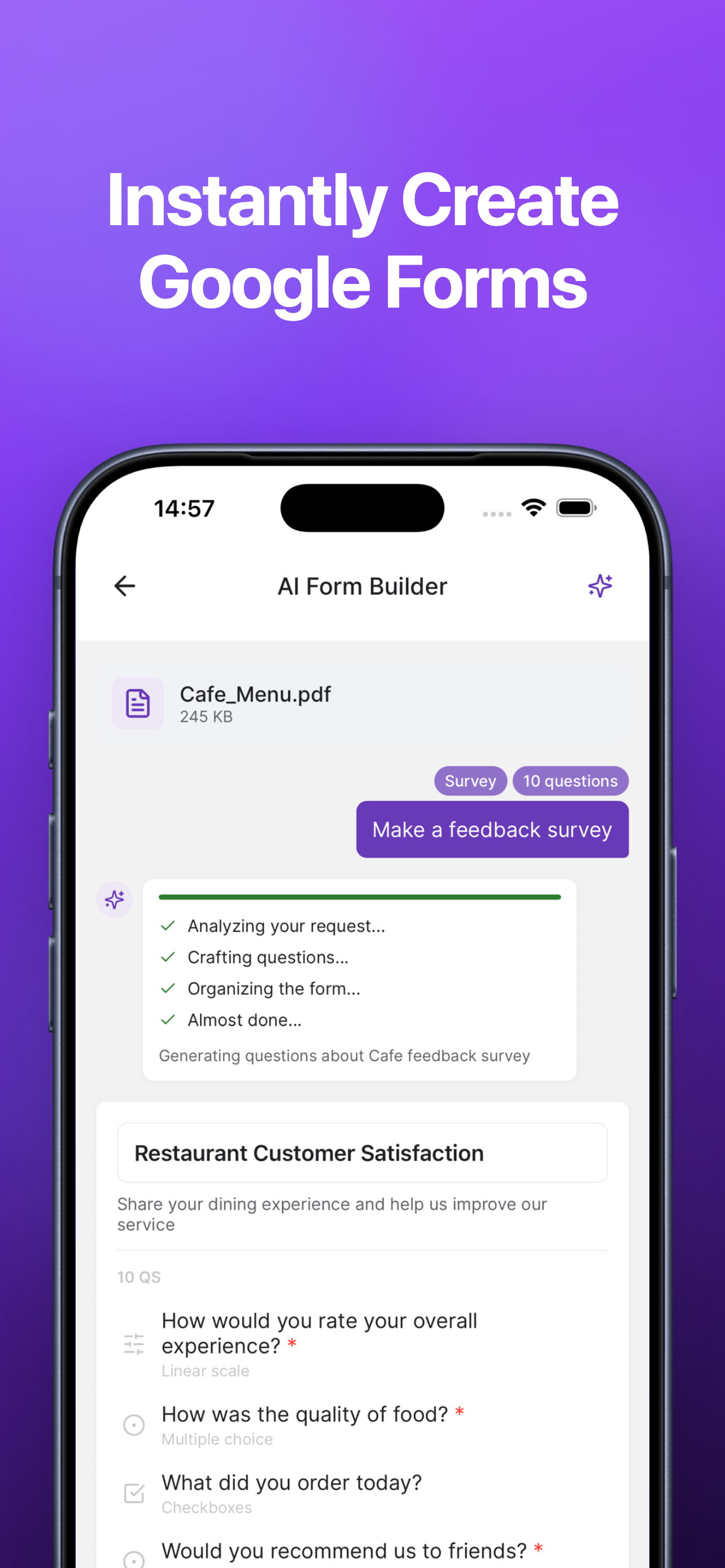
Google Forms from text, photos, PDFs, or scratch. Edit with drag-and-drop. Get push alerts for responses. No laptop needed.
Download on the App Store

Google Forms from text, photos, PDFs, or scratch. Edit with drag-and-drop. Get push alerts for responses. No laptop needed.
Download on the App Store
A full-featured Google Forms client built for mobile
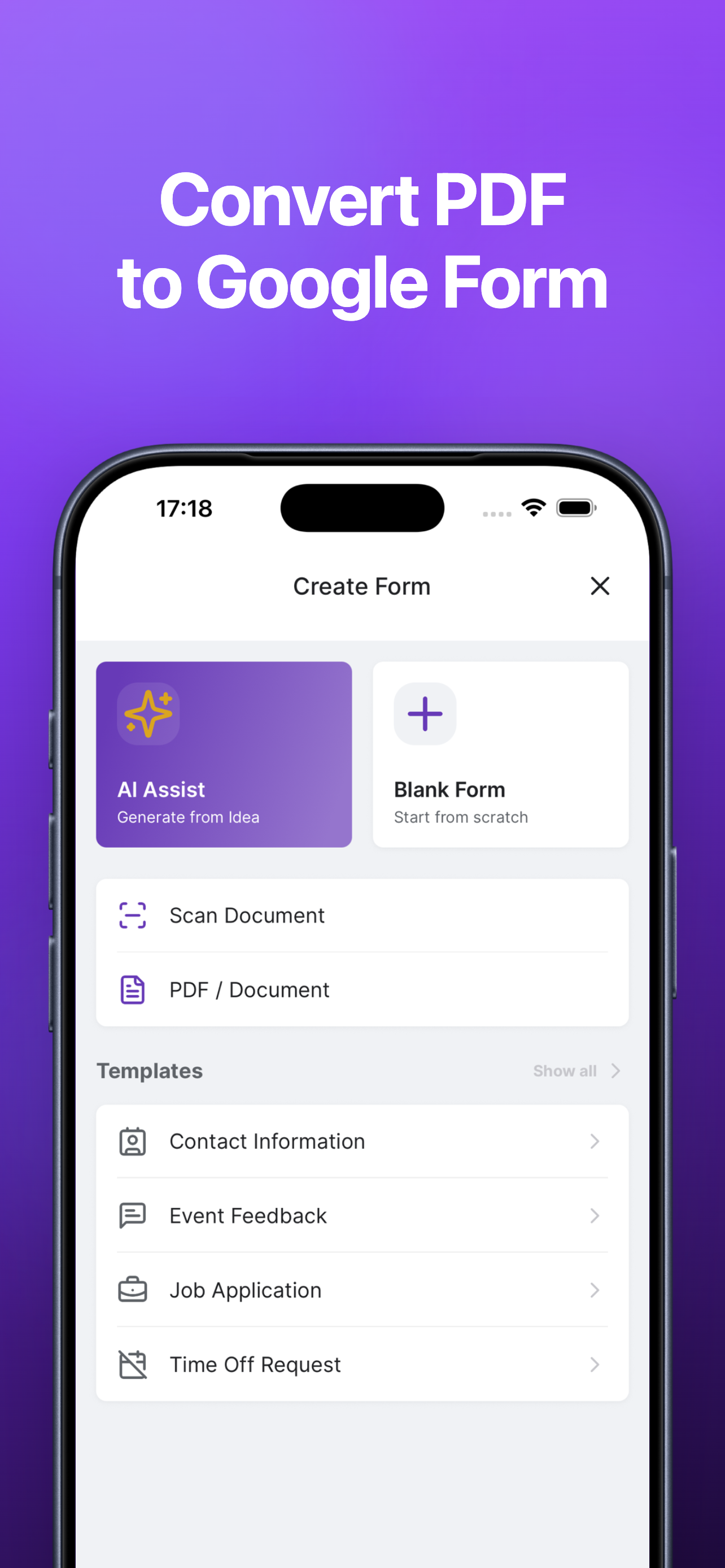
Build Google Forms from text, photos, PDFs, or start from scratch. Use AI powered by Google Gemini to generate forms instantly from a simple description.
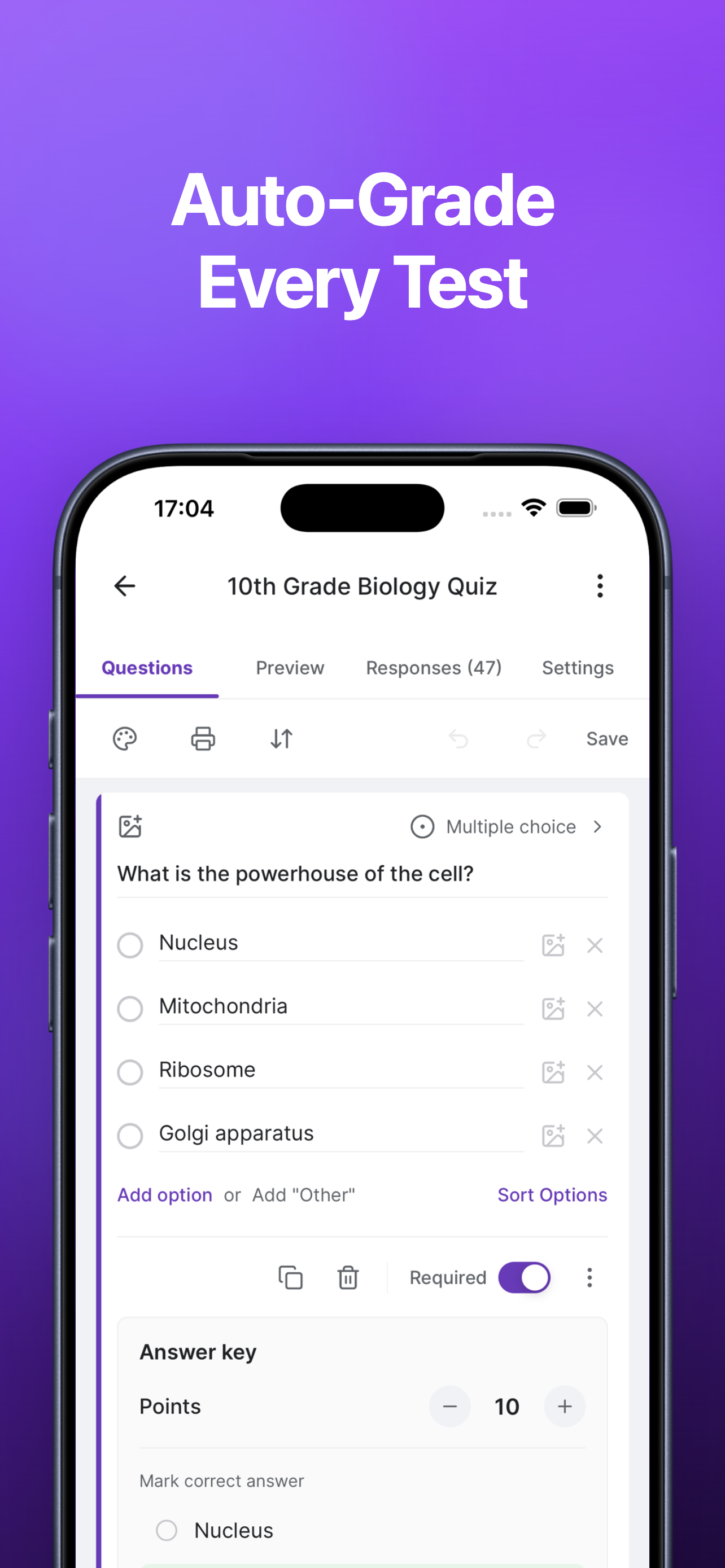
Add advanced logic, drag-and-drop blocks, 12 question types, branching, validation, and quiz mode. All from your phone.

Get instant push alerts for new responses. View summaries, individual answers, and analytics. Export data as CSV right from the app.
Everything you need to create, manage, and analyze Google Forms
From PDFs to quizzes to QR codes — all on your iPhone

This app uses Google Gemini to power the following AI features:
AI features are optional. Your data is processed in accordance with our Privacy Policy and Google's API Services User Data Policy.